Lambot: Your application expert
Our AI agent lives inside your entire workspace — writing code, creating interconnected backend resources, and operating your data.
Start with a single thread of an idea
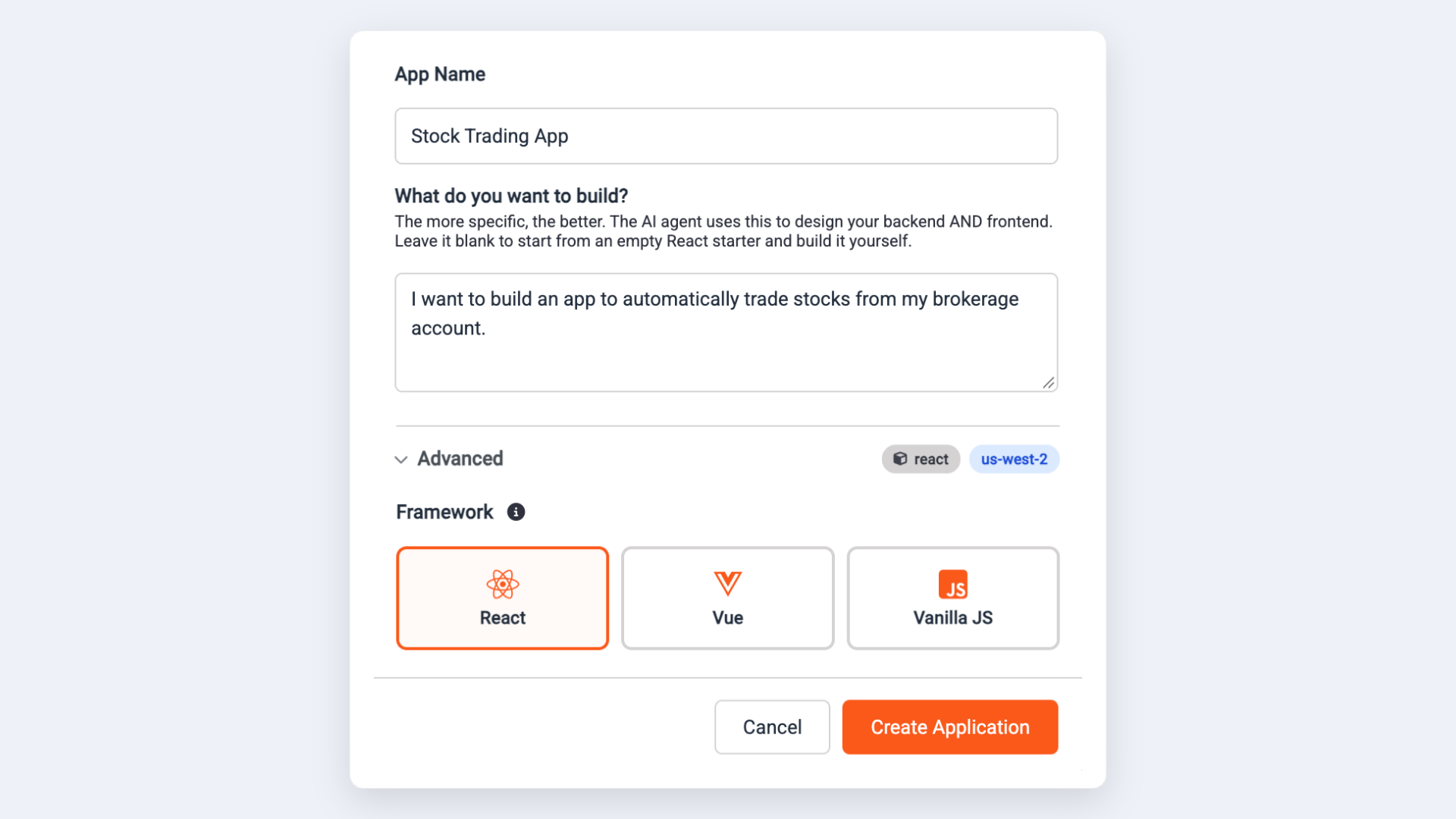
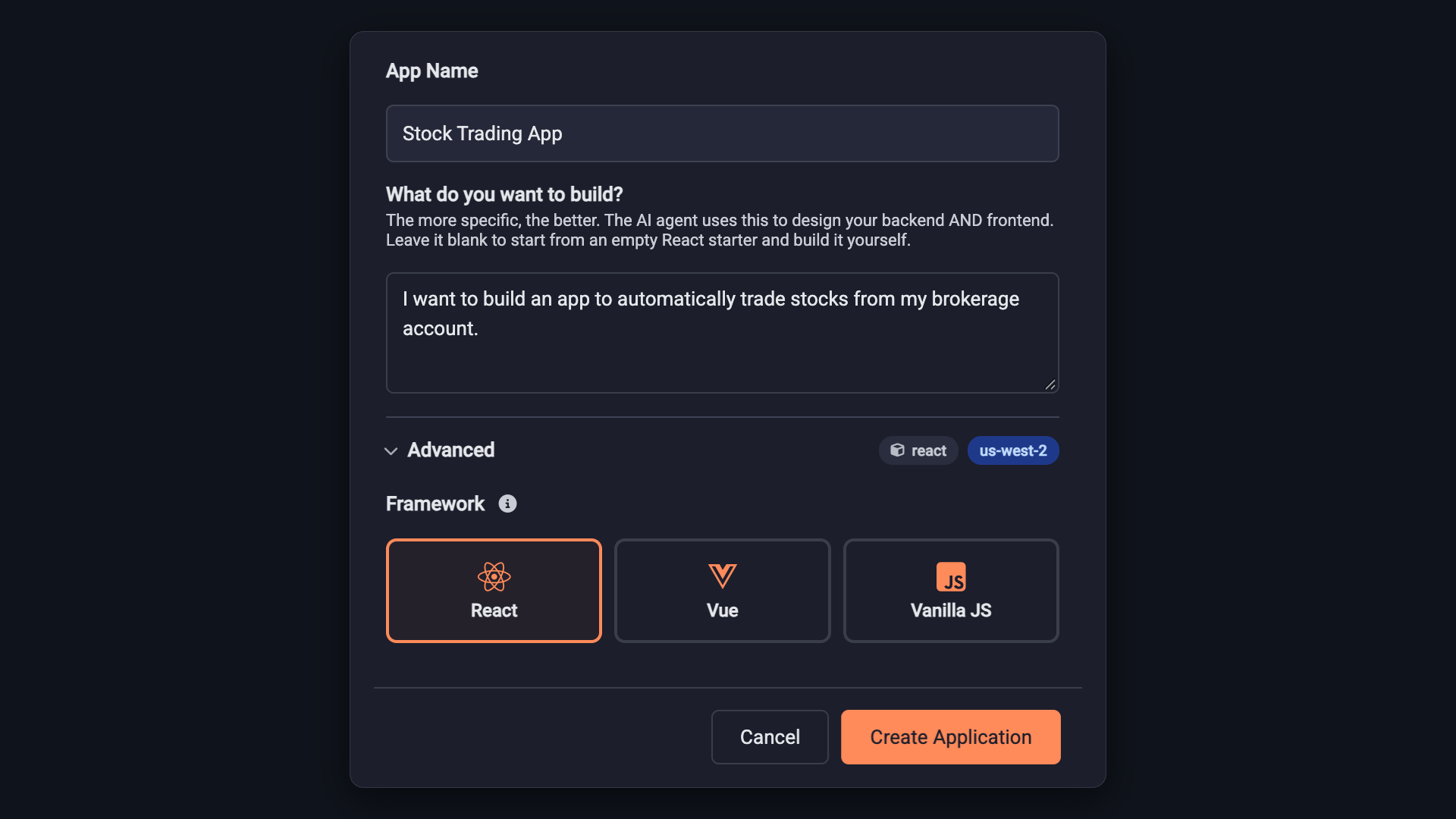
Describe what you want to build. Lambot builds the whole thing: the frontend, the backend functions behind it, the API endpoints that connect them, and the tables they read and write. One idea becomes a running application, with every piece already wired to the others.
An agent that sees the whole application
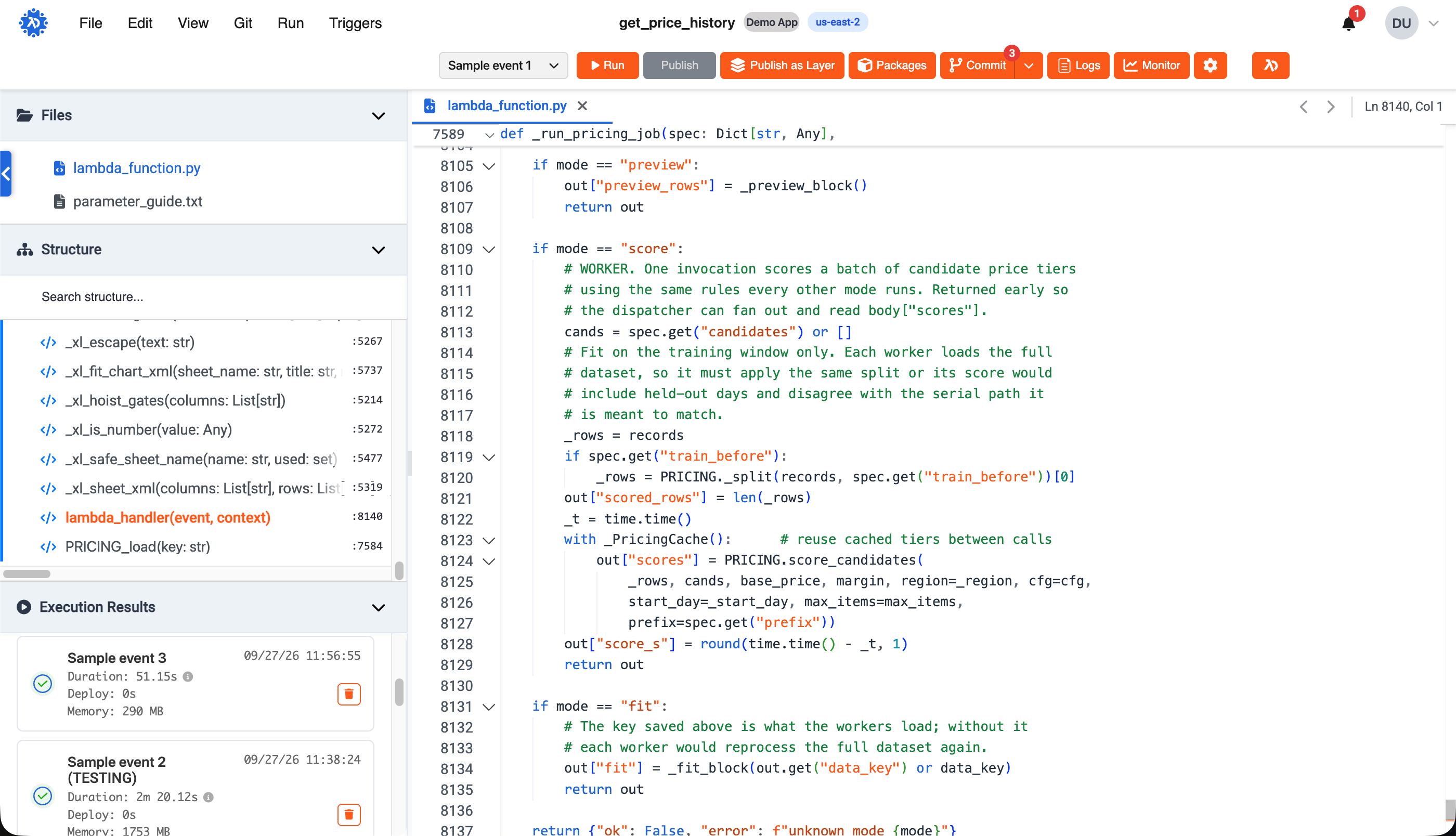
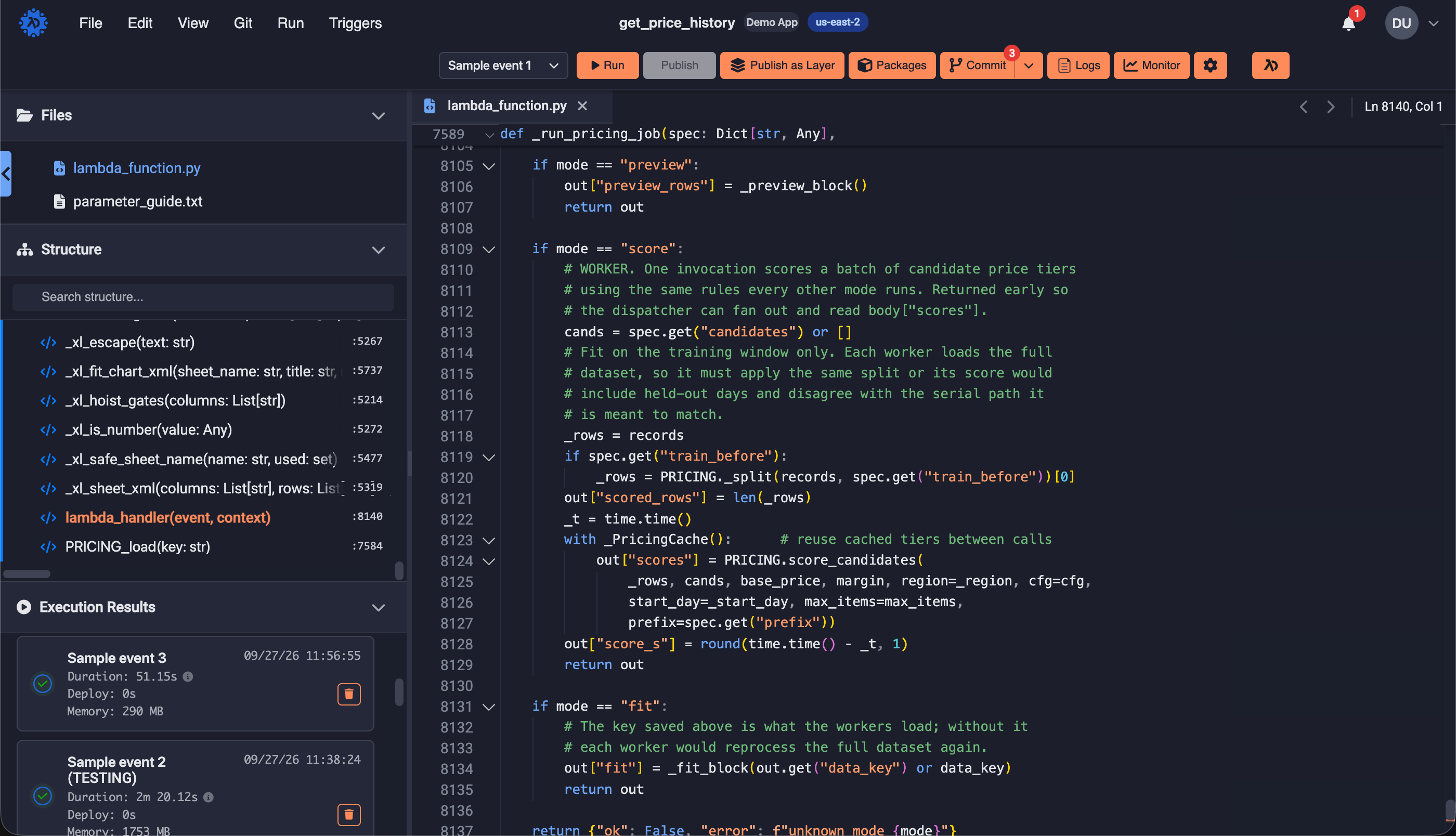
Lambot is embedded across the full Lambda Deploy environment — the application builder, the function editor, and your data — even across multiple AWS accounts. When Lambot proposes a change, it's reasoning about your entire application infrastructure and logic, so a change to one part accounts for every other part it touches.
I dug into the actual RDS instance and the function code that talks to it. Here’s what I found, and why I’d like to scope this carefully before touching anything.
Floats throughout the application
Lambot is one conversation, available everywhere you work. Start a thread about a feature in the application builder, then drill into the specific function that serves it — the same thread is there, and the application-level context comes with it. Threads follow the parts of the application they're about, so you pick up exactly where you left off, wherever you left it.
Talks to your data
Lambot extends into your RDS and DynamoDB databases. Ask in plain English — “show rows where status is failed” — and Lambot builds and runs the real query.
More on the AI Database Management →Watches over what you've built
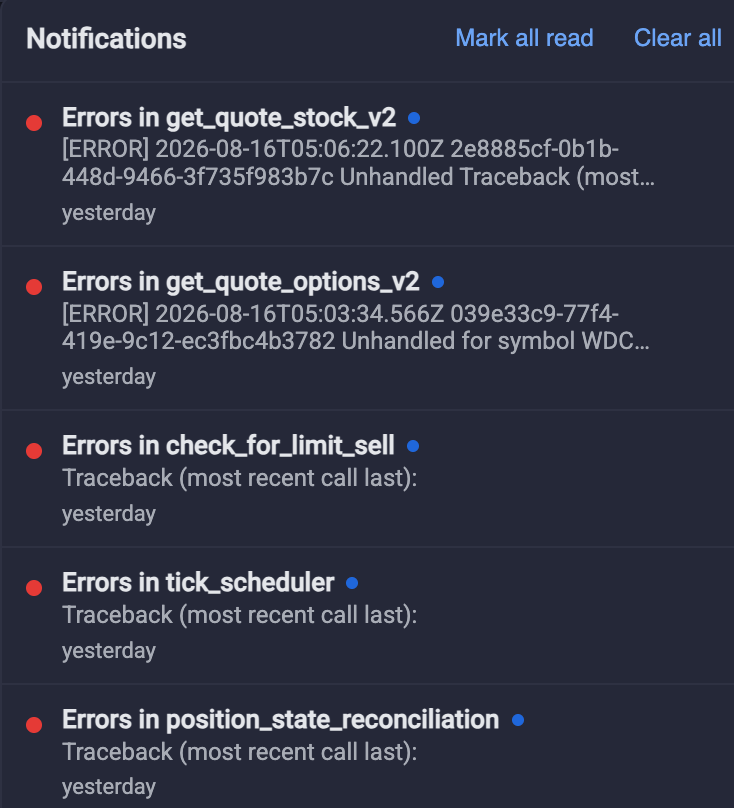
Lambot stays on the job after the application is live. When a run fails, it reads the execution log, traces the error to the code that caused it, and proposes the fix. It also reads your per-function cost analysis and recommends the configuration that brings spend down, such as right-sizing a function's memory.