AI DATABASE MANAGEMENT
Query your data in English
Browse your DynamoDB tables and RDS databases, edit rows in place, and query everything in plain English.


Ask Lambot AI questions and it finds your data
Lambot AI translates your request into a real query - regardless of the database engine - and runs it against your actual data. Multi-step and join-style plans are supported, and you can see the underlying logic and statement being generated.

Built into the application workflow
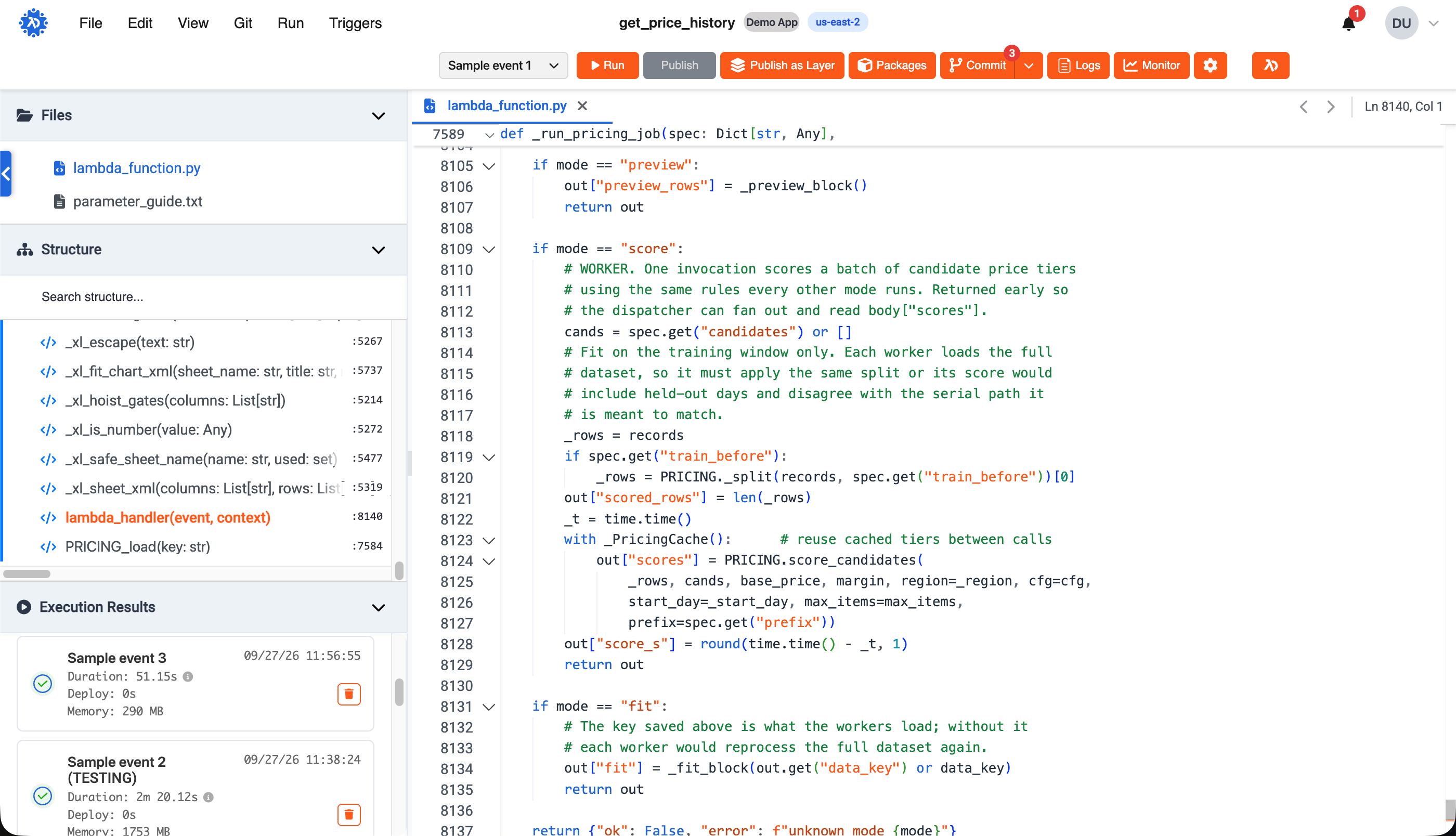
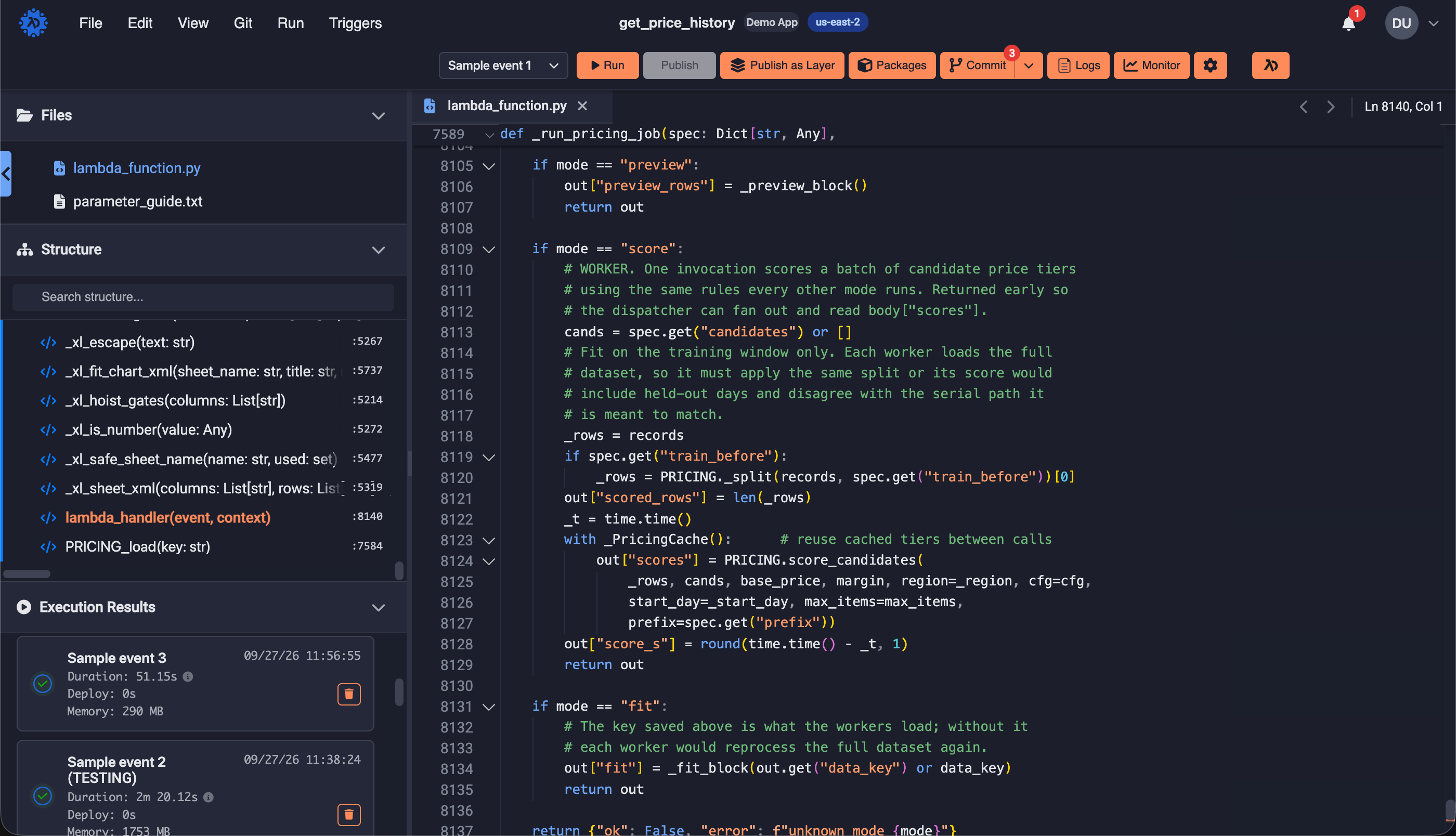
The database tool isn't a separate product bolted on — it's part of the same environment as your frontend and your functions. Prototype against real data, verify what your function just wrote, clean up a failed batch — without leaving the workspace or switching consoles. It's one more piece of the application in the same place as all the others.


Your data easily accessible
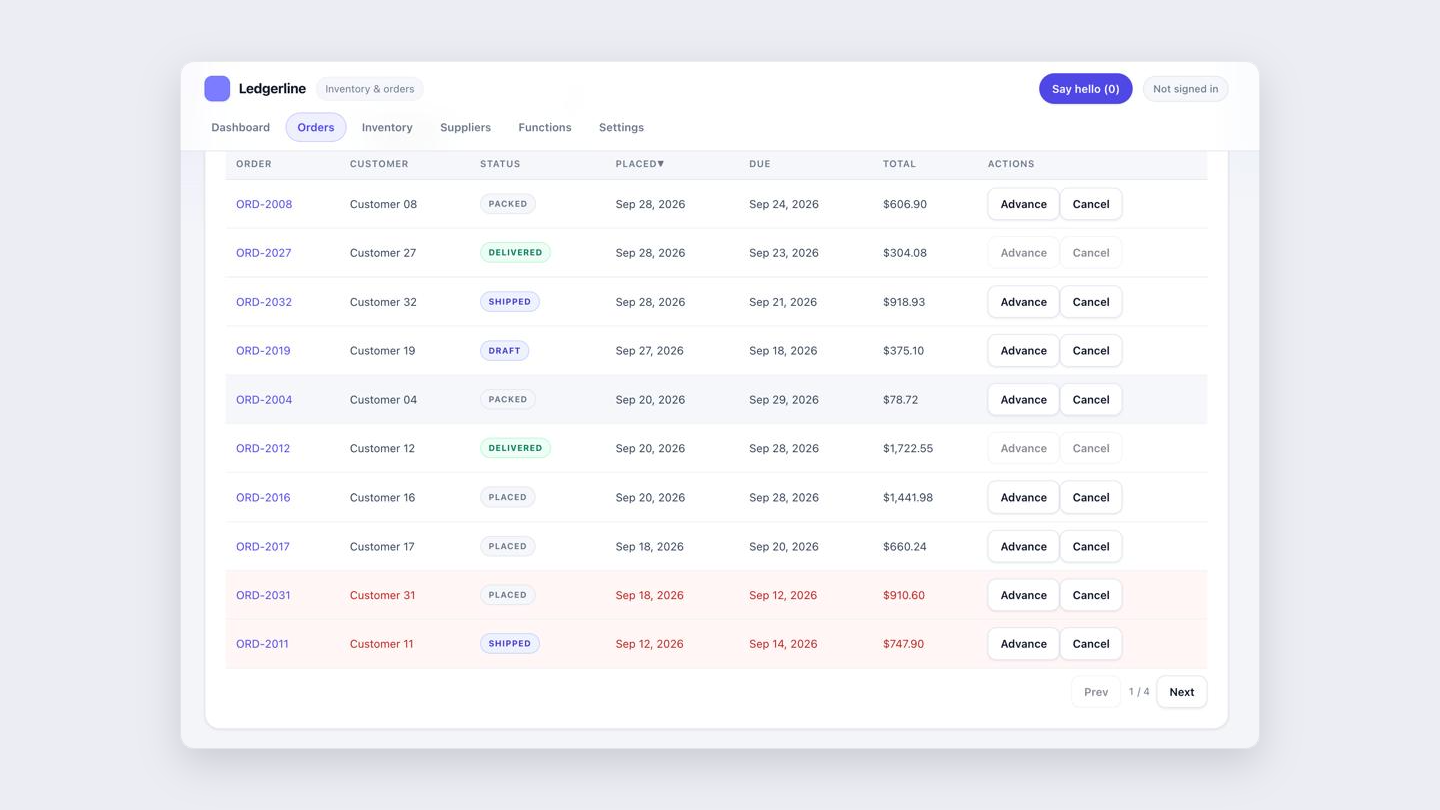
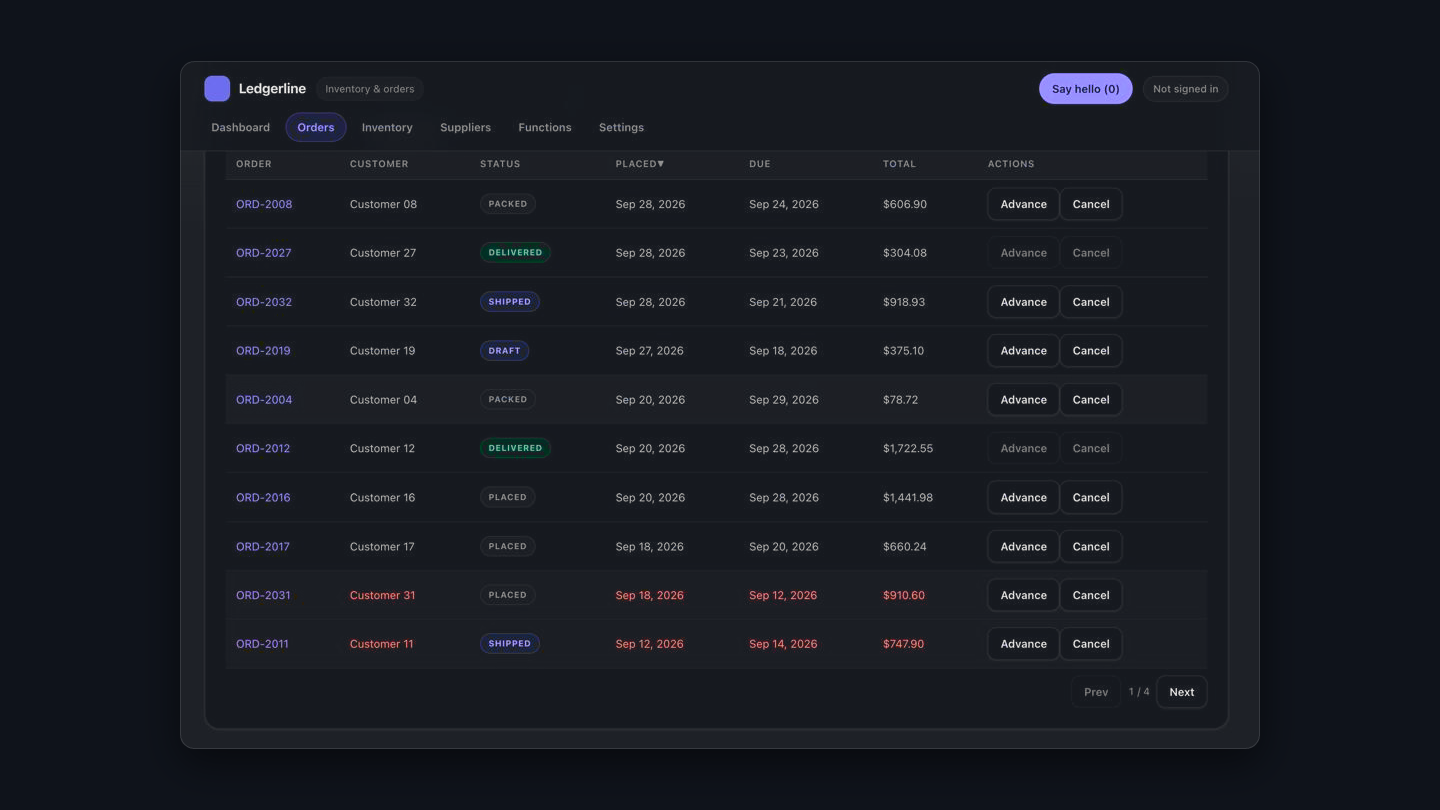
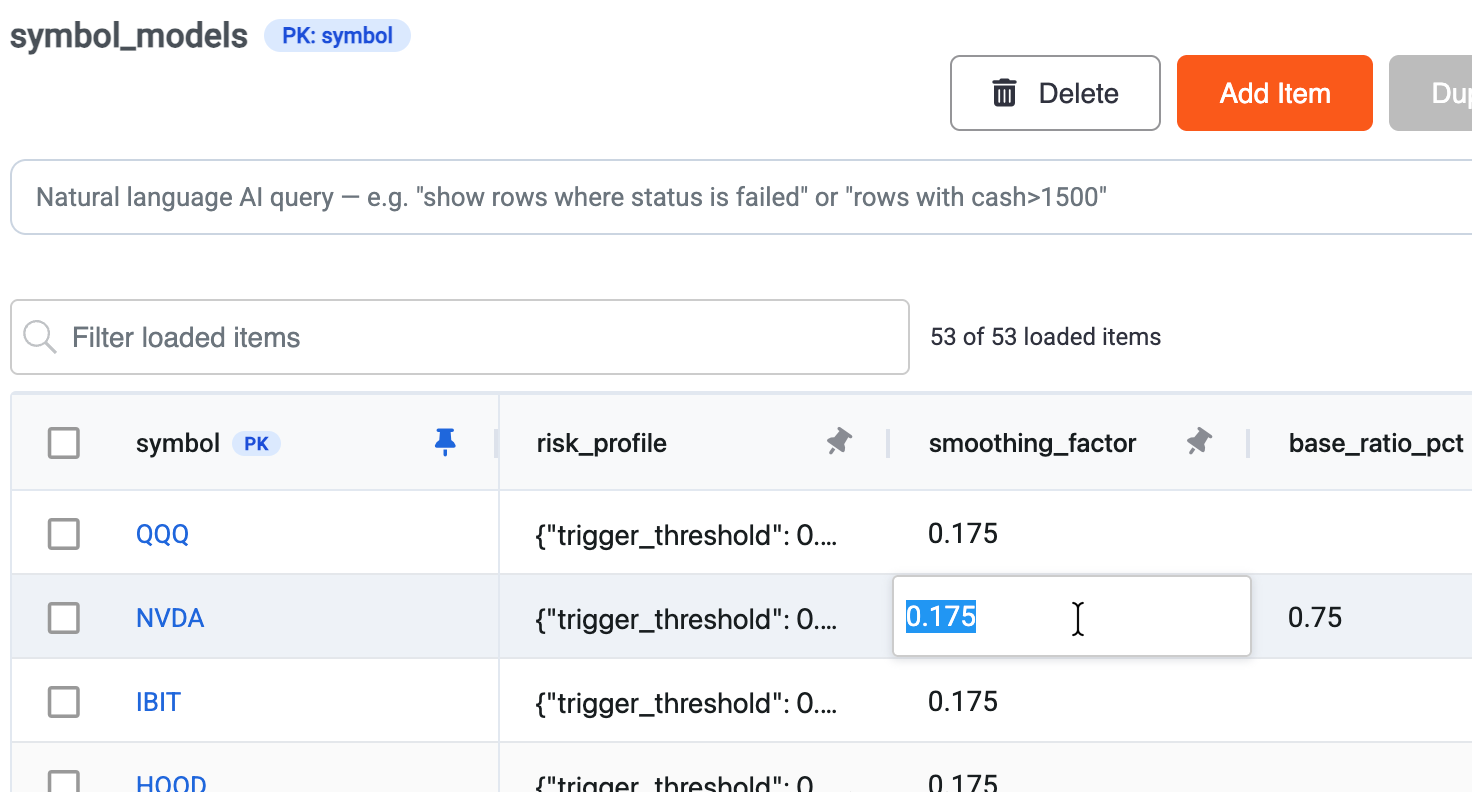
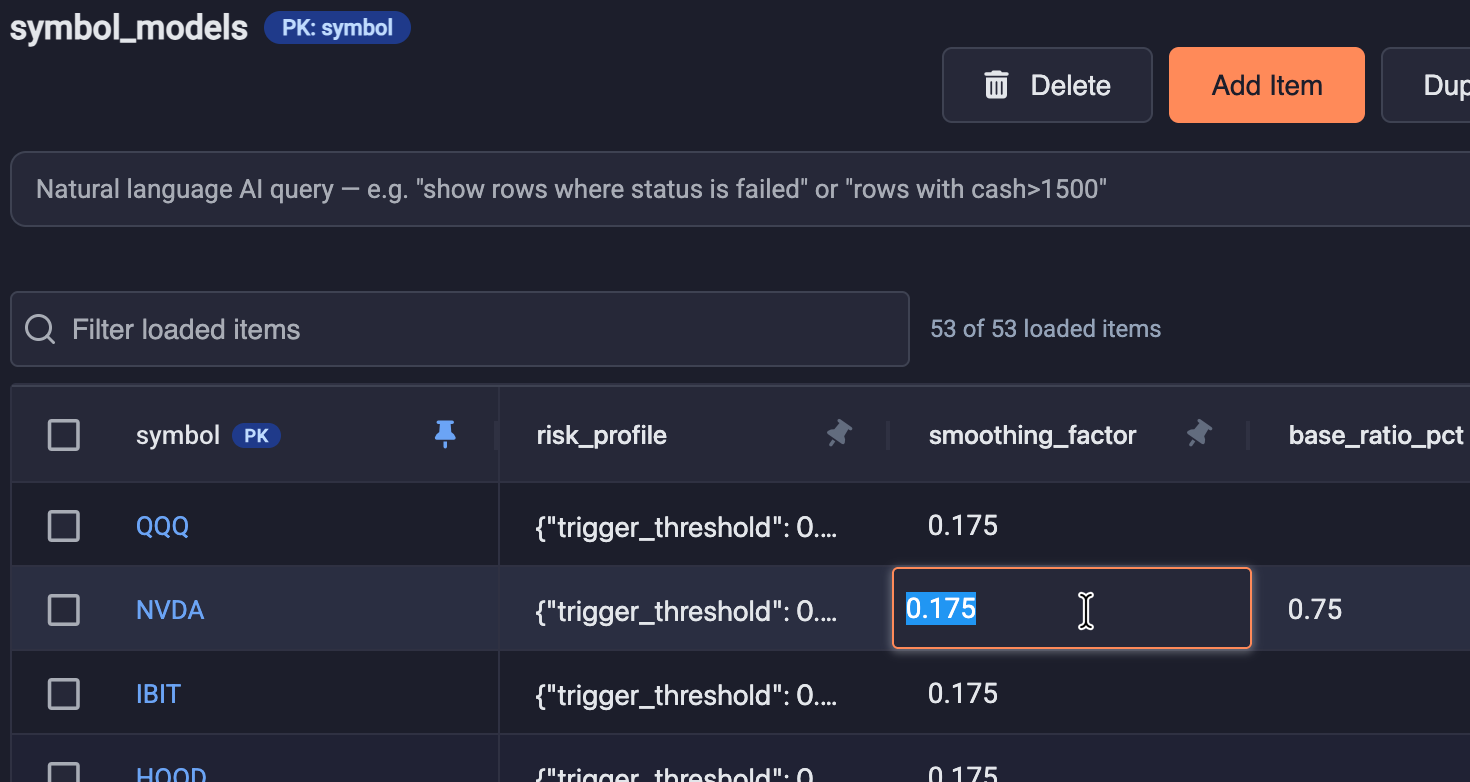
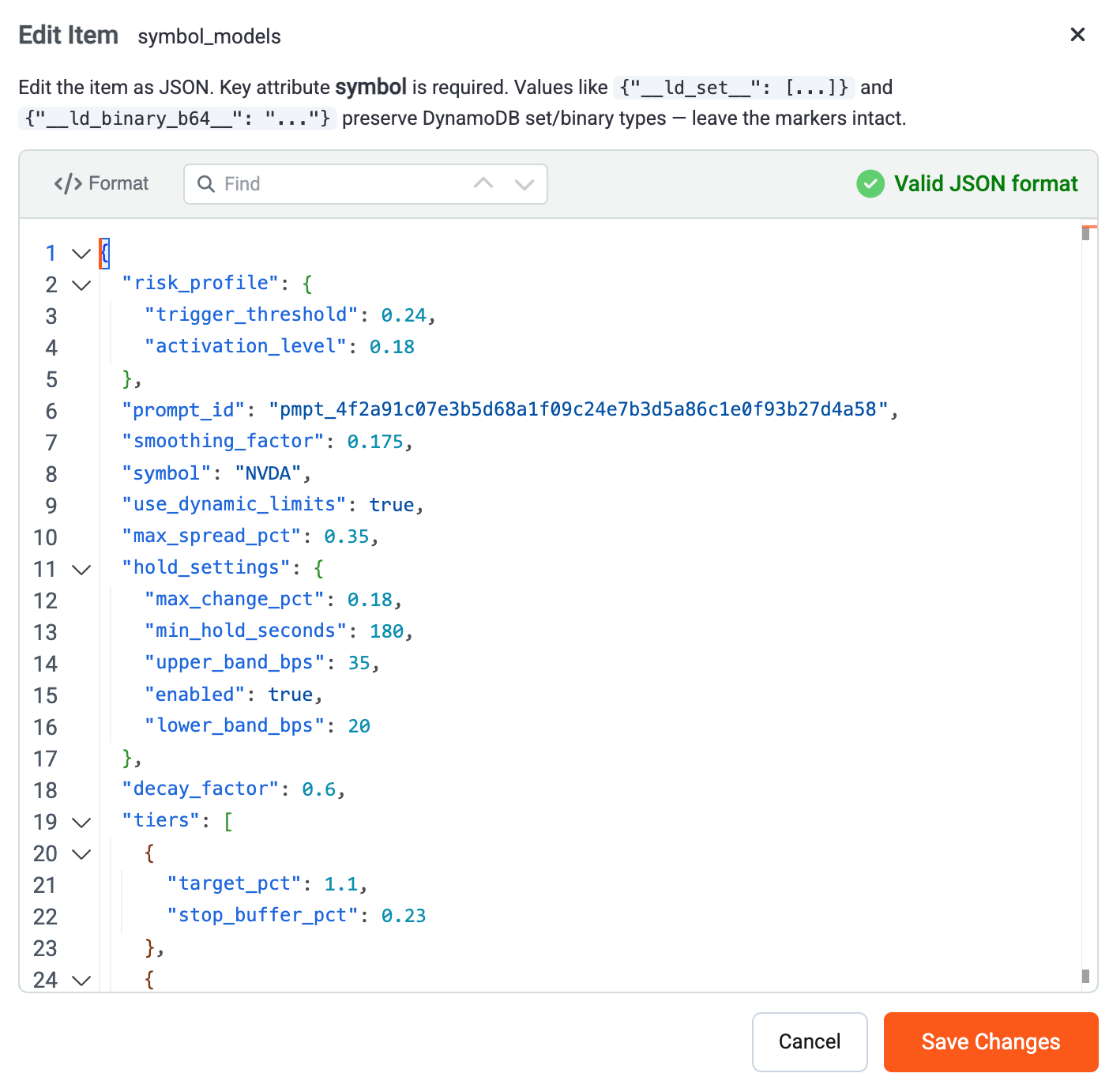
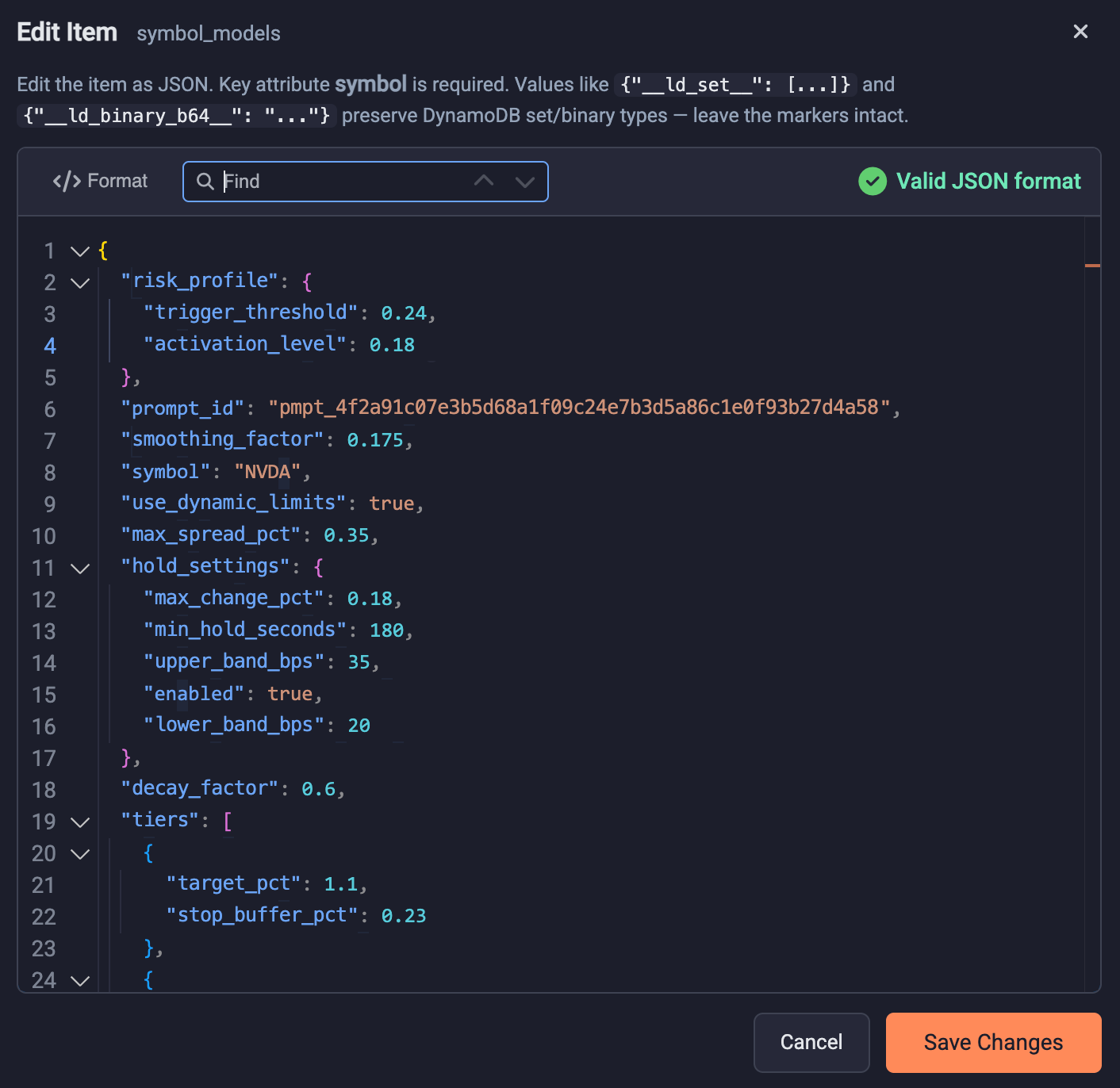
Browse the DynamoDB tables and RDS databases in your selected AWS account and region, open any table, and see your data in a working grid. Rows can be edited, added, and deleted directly — the fastest path from "I need to fix this record" to fixed.
Configure and tune
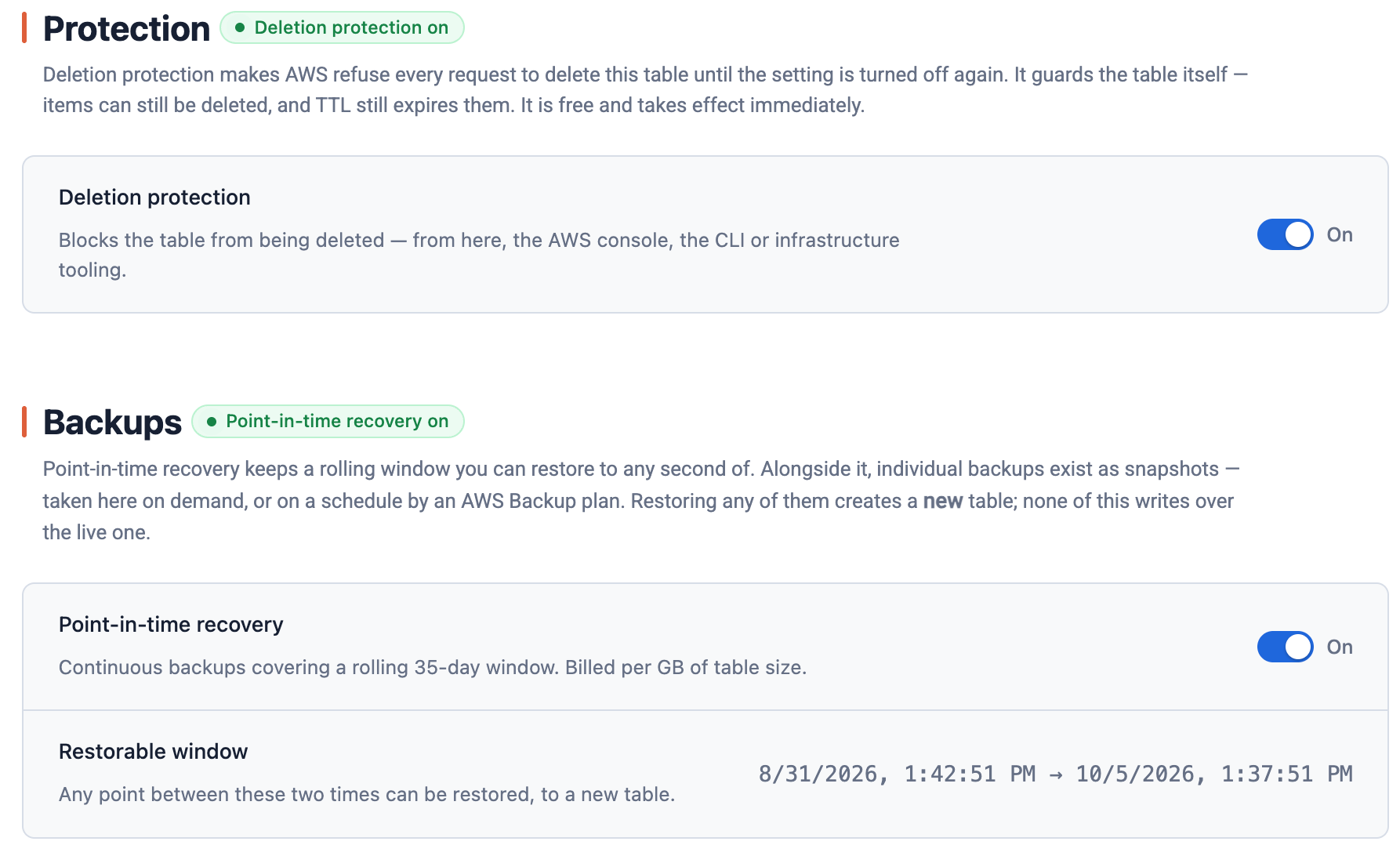
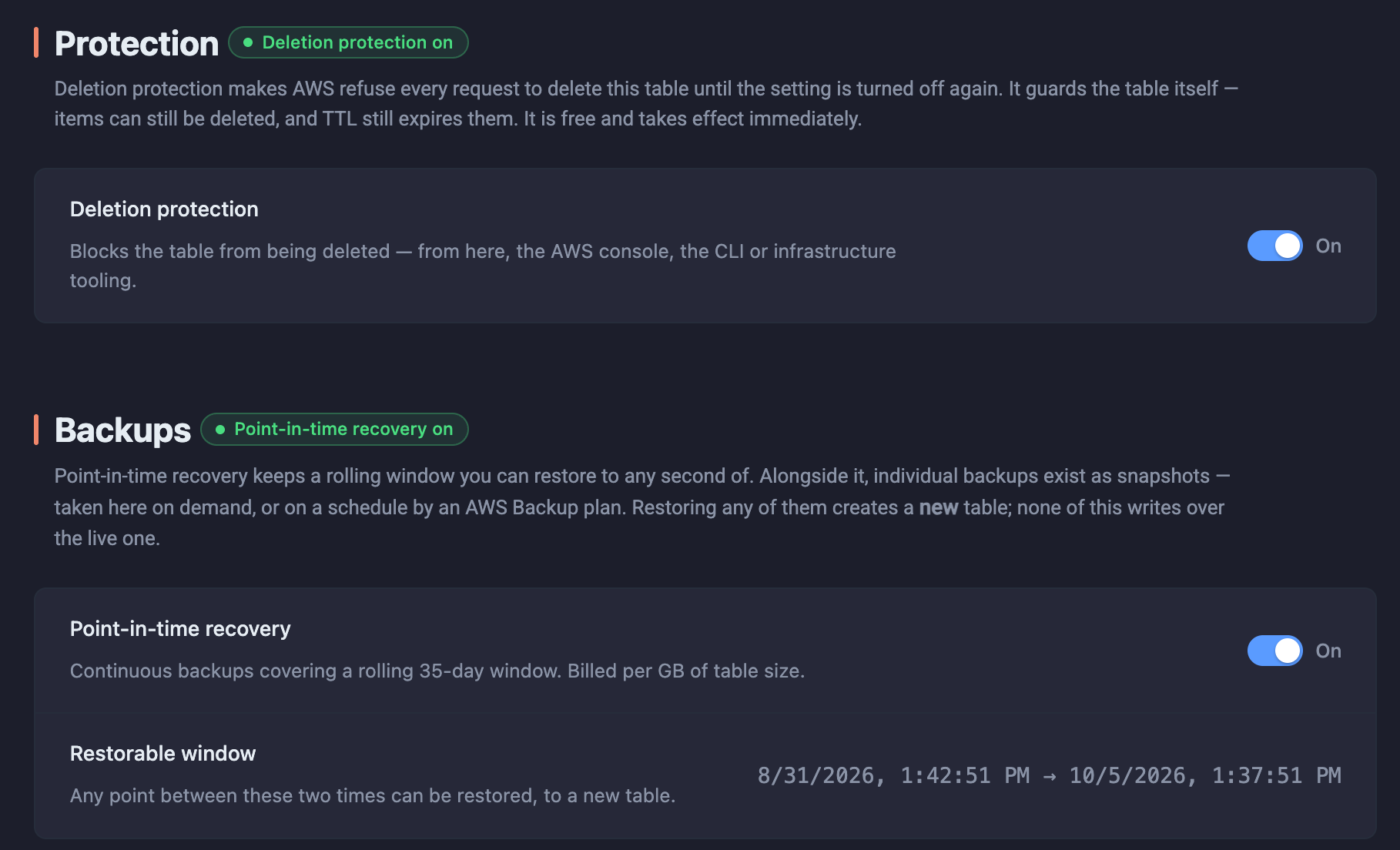
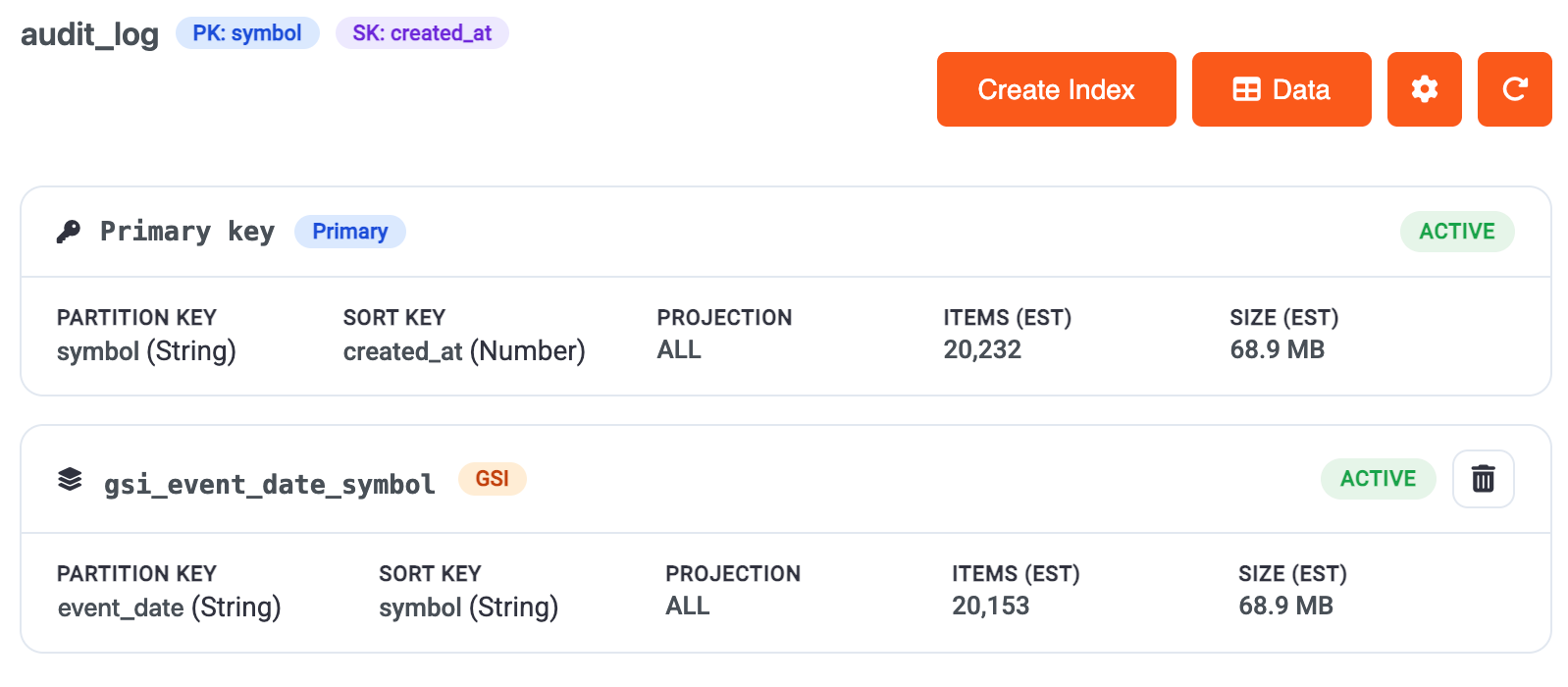
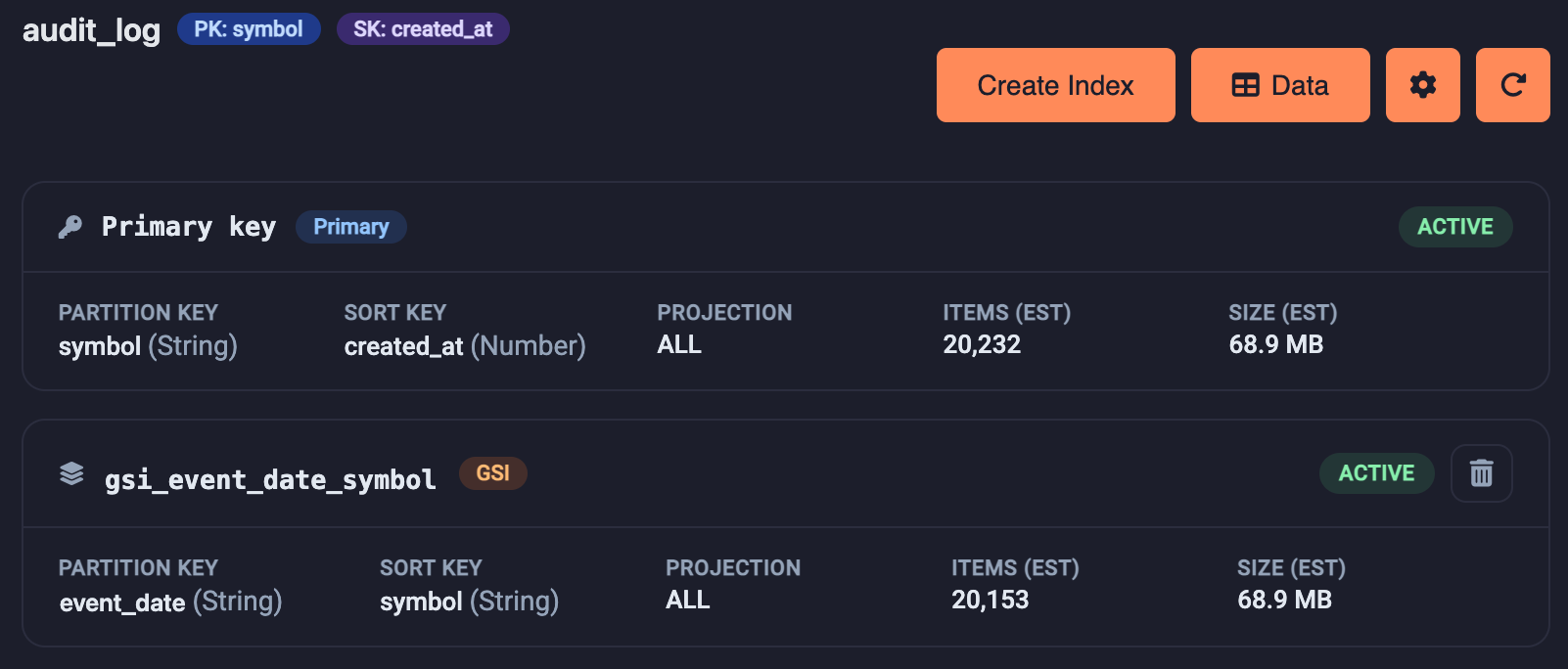
The most important configuration and tuning settings are available directly in your editor. Add indexes, schedule backups, protect critical tables, and configure data stream triggers seamlessly while you build application and business logic.